
Connecting your AI app
Claude Code
Add XIV MCP to Claude Code for all your projects.
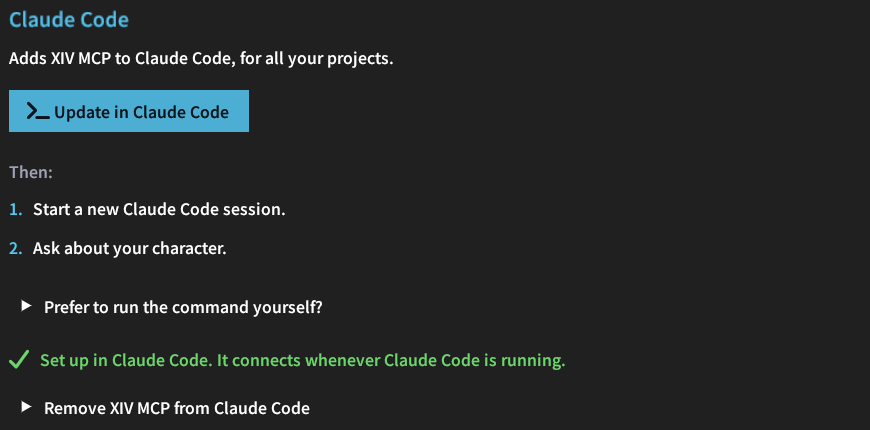
One click
In /xivmcp → Connect, choose Claude Code and click the button. XIV MCP runs claude mcp add for you, without a console window, for all your projects.
- An earlier user-wide
ffxiventry is replaced. - Entries that belong to single projects are left alone.
By hand
In PowerShell:
claude mcp add --scope user --transport http `
  ffxiv http://localhost:37521/mcp `
  --header "Authorization: Bearer <token>"
Replace <token> with the token from /xivmcp → Connect.