
LM Studio
Run an AI model on your own PC, for free, and connect it to XIV MCP.
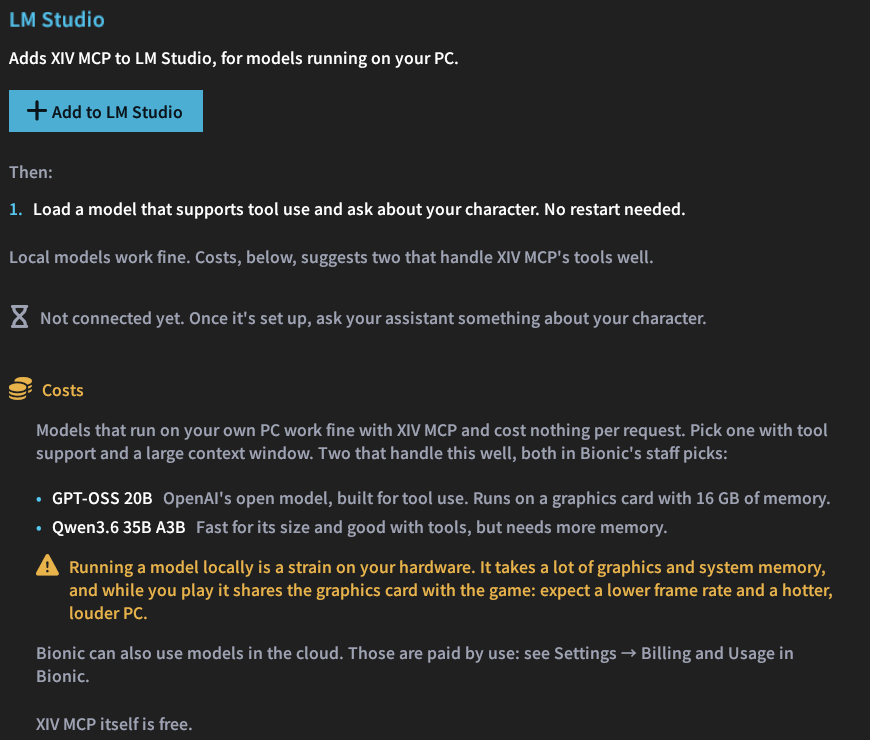
LM Studio runs AI models on your own PC. They cost nothing per request, which makes it the free way to use XIV MCP. Its desktop app is now called Bionic.
One click
In /xivmcp → Connect, choose LM Studio and click the button. XIV MCP adds itself to Bionic's server list (~/.lmstudio/apps/bionic/.internal/ng-mcp.json), the same list that Bionic's Settings → Integrations → MCP edits.
- Bionic connects within a few seconds. No restart is needed.
- The rest of the file is kept, with a backup.
- The older LM Studio app gets the entry in
~/.lmstudio/mcp.jsoninstead.
Which model to use
Pick a model with tool support and a large context window, for example:
| Model | Good for |
|---|---|
| GPT-OSS 20B | Built for tool use. Runs on a graphics card with 16 GB of memory. |
| Qwen3.6 35B A3B | Fast for its size and good with tools, but needs more than 16 GB. |
Your hardware does the work
Running a model takes a lot of graphics and system memory: at least the download size LM Studio shows for the model, plus room for the chat. While you play, the model shares the graphics card with the game, so expect a lower frame rate. Bionic can also use cloud models; those are not free, but paid by use.