
Connecting your AI app
Claude Desktop
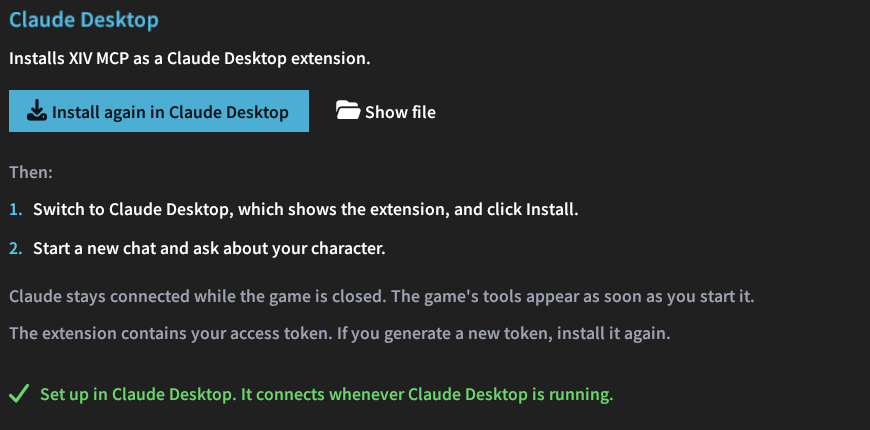
Install XIV MCP as a Claude Desktop extension.
One click
In /xivmcp → Connect, choose Claude Desktop and click the button. XIV MCP writes a Claude Desktop extension (xiv-mcp.mcpb) and hands it to Claude Desktop, which shows its install screen. Click Install there.
- The Microsoft Store version of Claude Desktop does not open
.mcpbfiles by double-click, so XIV MCP passes the file to itsclaude-desktop.execommand instead. - If neither works, Claude Desktop opens next to a folder with the file selected. Drag the file into Claude Desktop.
How the extension works
- Claude Desktop extensions run a local program instead of connecting over HTTP. The extension carries a small bridge script that runs on the Node.js that comes with Claude Desktop, and passes everything on to the game.
- While the game is closed, the extension stays connected without tools. The game's tools appear once you start the game.
- The extension contains your access token. If you generate a new token, install the extension again.